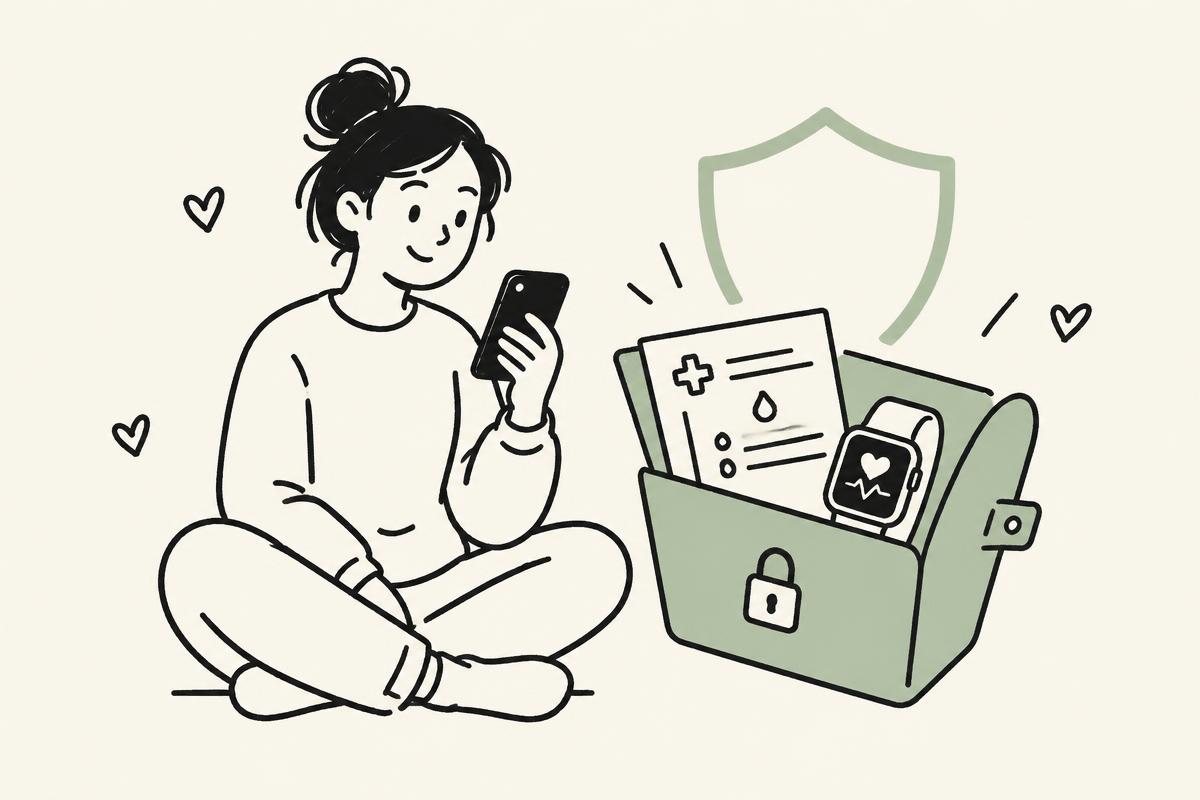
How we protect your health data
Plain answers to the questions people actually ask: where does my data go, who can see it, and what can I control?
This page is a friendly summary. The full legal details are in our Privacy Policy.
Our promises in one minute
Your name, readings, and profile are not sold to anyone.
Public, Approved Connections, or Private. Nothing is picked for you.
Download a copy anytime, or delete your account and your data with it.
Where your data goes
Here is the full trip your lab results take, from your phone to your profile.
- Your phone or computer
You upload lab results, connect Apple Health, or log a practice. It travels to us over an encrypted connection.
- BioSocial on Amazon Web Services (AWS)
Our app runs on AWS, one of the most widely used cloud providers for health companies. AWS has signed a HIPAA Business Associate Agreement (BAA) with us.
- Protected lab report reading
When you upload a lab PDF or photo, processing runs strictly under our AWS HIPAA BAA before any data is touched. To do this, an isolated AI model (Claude, run inside AWS Bedrock) pulls out the biomarker values from your document. Your report is never used to train the AI, and no files or data are kept by the model once the numbers are pulled.
- Stored in an encrypted database
Your readings are saved in an encrypted database on AWS. Your privacy settings are enforced directly by the database, so you always have control over how and when your numbers can be seen.
A Business Associate Agreement is a contract under the U.S. health privacy law (HIPAA). It legally requires a company like AWS to protect health information it handles for us and to use it only to provide its service.
Who can see your profile
Your health profile setting decides who sees your individual health data. You pick it during setup and can change it anytime in Settings.
Best if you want the full community experience. You can compare numbers with other members, share your health journey openly, and connect with people doing the same health practices or tracking the same biomarkers. Your biomarkers, symptoms, and practices appear on your profile and can appear in search engines like Google.
Best for sharing with friends, family, a workout partner, or a trusted circle. Only connections you explicitly approve can view your biomarkers, symptoms, and practices. Everyone else sees only your name, photo, and public posts. Search engines are blocked from listing your profile, and you can revoke anyone's access anytime.
Best if you want to track your lab results, wearable devices, and health practices purely for your own personal records. Nobody else can view your health data. Search engines are blocked from listing your profile, while your numbers still safely count toward anonymous community averages.
- Community posts, comments, and reactions are always public, whatever your setting. Anyone can read them, and search engines can list them.
- Shared links follow your setting. If your profile isn't Public, someone opening your link sees only your name, photo, and posts.
- When you approve someone, they can see your health data until you remove them. You can remove anyone at any time.
- If you change your setting, it applies to all your health data right away, old and new.
Community averages
Pages like “How people doing Zone 2 saw their resting heart rate change” are built by combining many members' numbers.
- Every member's numbers count toward these averages, including members set to Approved Connections or Private.
- We never name or show members who aren't Public as contributors.
- Averages appear only once enough people have contributed. While BioSocial is new this minimum is low, so a small group's average may reflect only a few people. We plan to raise it as the community grows.
Health research: your Yes or No selection
Separate from who sees your profile, you choose whether your trends can help health research. You make this choice during setup, and nothing is chosen for you.
- Your symptom reports and check-in answers (asked using the PRO-CTCAE standards)
- Which health practices you do and when
- How your biomarkers change over time
These are de-identified before they're shared with research partners.
- Your name, email, handle, or photo
- Your direct messages
- Your uploaded lab files or photos
- Saying No changes nothing about your experience. You get the same charts, tools, and community.
- You can switch anytime in Settings. Switching to No keeps your data out of future research. If you had selected Yes and your de-identified numbers were already pooled together with other participants into an active study dataset or published analysis, they can't be separated back out because all links to your identity were permanently severed.
Download or delete everything
From Settings, download a full copy of your account data anytime.
Deleting your account removes your health records and the files you uploaded, not just your login.
Still have questions?
Read the full Privacy Policy, or contact us using the details in its contact section. BioSocial shares information, not medical advice.